
Line art converter
Upload a doodle, tune the sliders, and export crisp black-and-white line art.
Start from any photo or marker drawing, refine the brightness, contrast, gamma, and threshold, then grab a pure black stroke on a white canvas.
Workflow spotlight
Photo → Line → ColorStep 1
Upload & auto-trace
Bring in a photo, drawing, or screenshot and let the canvas prep the line art automatically.
Step 2
Fine-tune the profile
Adjust exposure, contrast, gamma, and threshold so that the generated lines stay crisp and well-defined.
Step 3
Color or export
Download the PNG or jump straight into the coloring editor with the generated mask and line art.
Line art export
White background, black strokes, ready for PNG download.
Drop an image anywhere on this card to start the trace.
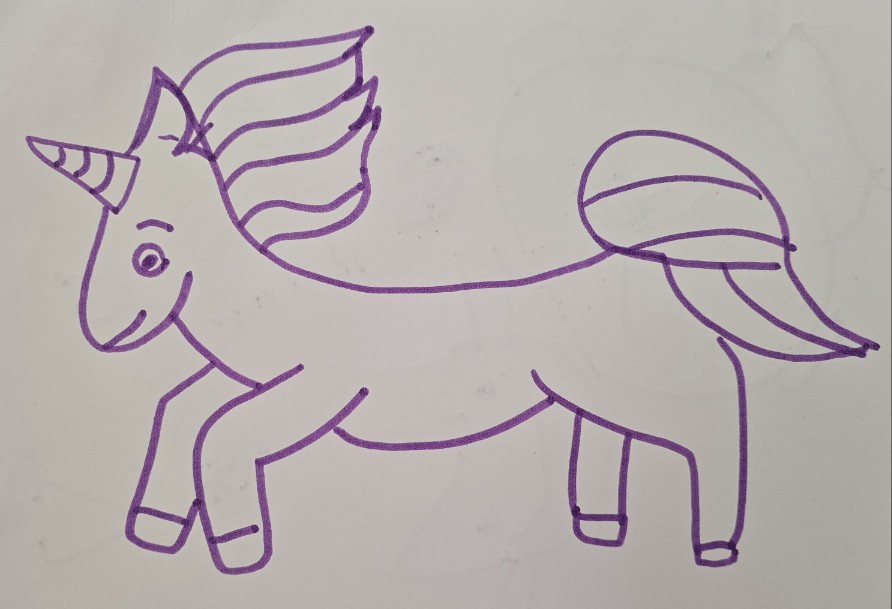
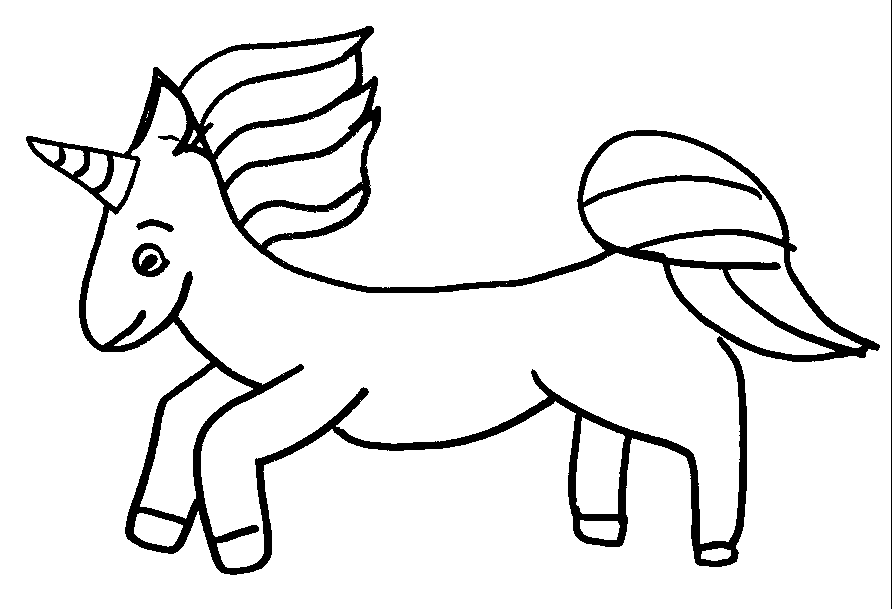
Process an image before exporting.
JPG, PNG, GIF < 8MB · Auto-scaled to 1100px wide
Adjustment sliders
Blend the upload toward grayscale before you threshold.
Lift or dim the image uniformly.
Widen the range of light and dark before threshold.
Control mid-tones for sharper line edges.
Drive the final image toward pure black or white.
Adjustment sliders
Blend the upload toward grayscale before you threshold.
Lift or dim the image uniformly.
Widen the range of light and dark before threshold.
Control mid-tones for sharper line edges.
Drive the final image toward pure black or white.